











 Loading...
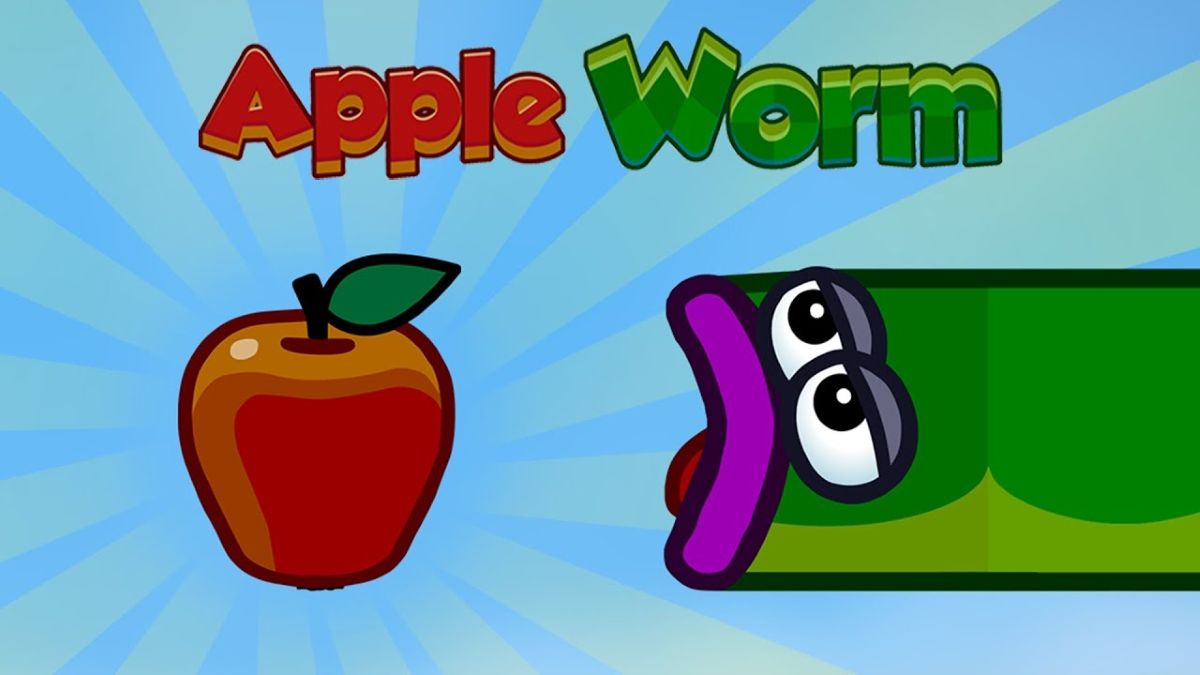
Apple Worm is a logic puzzle platform game built around a clear objective and a repeatable gameplay loop. This guide explains what the game is, how its controls work, and which decisions help new players improve without relying on unsupported claims about ratings, level counts, or access on restricted networks.
About Apple Worm
Apple Worm combines grid movement with a body-length puzzle. Eating an apple makes the worm longer, which can help it bridge gaps or reach higher tiles, but the extra length also makes tight spaces harder to navigate. Each level is therefore about choosing not only where to move, but when an apple should be collected.
The main objective is to eat apples when needed, use the added body length to cross gaps, and reach the exit. The game is most enjoyable when players learn the cause of each failed attempt and make a specific adjustment on the next run.
Apple Worm Game Information
| Detail | Information |
|---|---|
| Genre | Logic Puzzle Platform Game |
| Developer | Gibton |
| Platform | Web browser; mobile versions are also available |
| Main objective | Eat apples when needed, use the added body length to cross gaps, and reach the exit. |
| Controls | Use WASD or the arrow keys to move the worm one space at a time. |
How to Play Apple Worm
Study the full layout before moving. Identify the exit, the apple positions, and any ledges that require extra length. Move in a sequence that keeps part of the worm supported, because extending too far over an empty space can leave the body unable to turn back. If a route closes behind you, restart and change the order in which you approach the apple or platform.
Controls: Use WASD or the arrow keys to move the worm one space at a time. If the current browser build displays a different mapping, follow the instructions inside the game window because embedded versions can change between desktop and touch devices.
Key Features
- Grid-based movement with clear puzzle rules
- Apples that change the worm’s usable length
- Compact levels built around route planning
- Fast restarts that encourage experimentation
Apple Worm Tips
- Check whether an apple is required before eating it.
- Keep enough body on solid ground when crossing a gap.
- Plan turns in narrow spaces before committing.
- Work backward from the exit when the correct route is unclear.
Improvement usually comes from identifying one repeatable mistake instead of trying to change every part of the play style at once. Use the first few attempts to understand movement, timing, or resource limits before focusing on a faster score or cleaner completion.
Games Like Apple Worm
Players who enjoy the main mechanics of Apple Worm can continue with these related titles:
- Growmi — a related game with a compatible theme, control style, or challenge.
- Longcat — a related game with a compatible theme, control style, or challenge.
- Fireboy And Watergirl 1 Forest Temple — a related game with a compatible theme, control style, or challenge.
- Epic Duck — a related game with a compatible theme, control style, or challenge.
For a wider selection, browse more adventure games and compare games by controls, pace, and player mode.
Apple Worm FAQ
What happens when the worm eats an apple?
Its body becomes longer, which can open new routes but also makes movement more difficult.
Can I undo a move?
The available undo behavior can vary by build; restarting the level is the reliable option.
What controls does Apple Worm use?
The browser version supports WASD or arrow-key movement.
Final Thoughts
Apple Worm is best for players who like small, self-contained puzzles where one movement can change the whole solution. The difficulty comes from spatial reasoning, not fast reactions.
About ABCya3
ABCya3 is an independent browser-game platform that organizes action, adventure, arcade, basketball, car, sports, and other games into clear categories. Each game guide is written to explain the objective, controls, and practical tips while avoiding claims that cannot be verified for the current browser build.